Guide · Buying
Choosing car wash POS software: a checklist for UK hand car washes
When choosing POS software for a hand car wash, check five things: what hardware it needs, how the price is worked out (per business, per user, per site or per transaction), whether it handles the way cars move through your bays, whether staff get their own logins, and how the contract renews. The cheapest system on paper can cost more once hardware, per-user fees and automatic renewals are added up.
By the POS4CarWash team · Updated
1. What hardware does it need?
Some systems need a dedicated till, a receipt printer, a fixed ANPR camera or a particular tablet. Others run in a web browser on the phones and laptops you already have. Count the hardware cost — and what happens when a device breaks on a Saturday.
2. How is the price worked out?
Look past the headline figure. Ask whether you pay per business, per site, per staff login, per car or as a percentage of each sale, and whether set-up, support or updates cost extra. A car wash adds staff in summer and sometimes opens a second site; the price should not jump each time.
- Per business, per site or per user?
- Any fee per transaction or per scan?
- Set-up, support and updates included?
3. Does it fit a hand car wash?
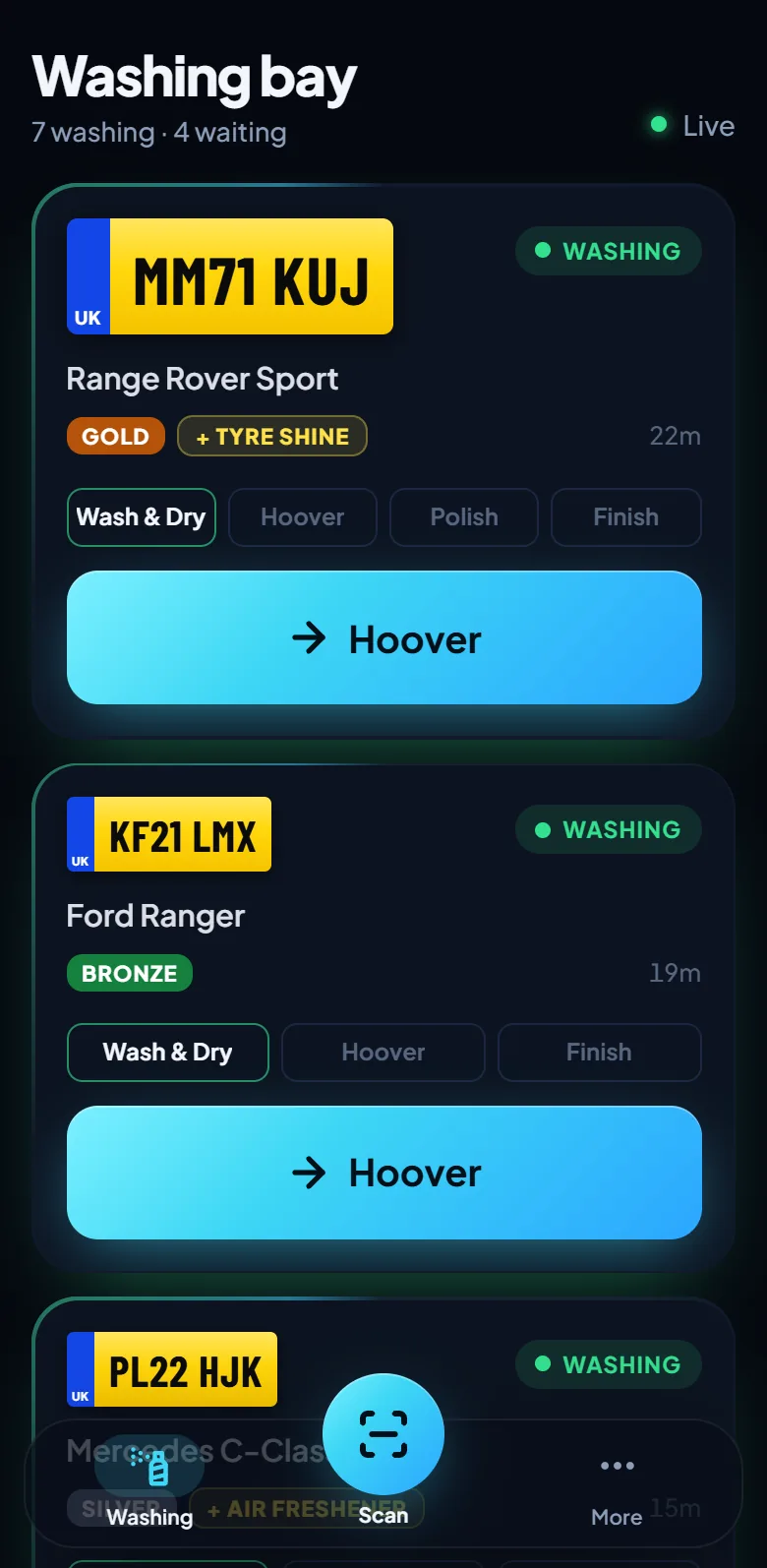
General shop tills sell items; a car wash sells a service that moves through stages. Check the system can show each car's stage (wash, hoover, polish, ready), handle extras like tyre shine, and let you set your own wash names and prices.
4. Can it find a car by its plate?
The registration is how a car wash knows its customers. A good system looks cars up by plate — ideally by scanning it — and remembers each car's visits, spend and usual wash.
5. Staff logins and who sees the money
Each person should sign in as themselves so you know who did what, and workers in the bay shouldn't need to see the takings. Check the roles available and whether extra logins cost more.
6. Your data, and getting out
Your customers' registrations are personal data under UK GDPR. Ask where the data is kept, whether other businesses can ever see it, whether you can delete a customer's details when asked, and what happens to your data if you stop paying.
7. Contract and renewal
Read how the subscription renews. Many renew automatically and need notice to cancel. Know the term, the notice period and the price on renewal before you sign up.
How POS4CarWash answers the checklist
POS4CarWash runs in the web browser on phones, tablets, laptops and smart TVs — no till or special hardware. It costs £249 a year per business, with unlimited staff logins, cars and sites, and no fee per transaction or scan. It is built around a hand car wash's stages, scans number plates with the phone camera, gives every role its own login, keeps each business's data separate, and never renews automatically: you're reminded a month before your year ends.
Questions and answers
Do I need special hardware for car wash POS software?
Not necessarily. Browser-based systems run on ordinary phones, tablets and laptops; others need a dedicated till, printer or camera. Add the hardware to the price when comparing.
What should car wash software cost?
Compare the total for your business over a year — including per-user, per-site and per-transaction fees, hardware and set-up — rather than the headline monthly figure.
Read next
- Pricing£249 a year per business, everything included.
- Number plate scannerRead a car's registration with your phone camera — no ANPR camera, no per-scan fee. Regulars are recognised and their usual wash is picked.
- Takings dashboardSee your car wash takings live: revenue, cars washed, cash against card, by day, week or month. Every sale and every void on record.