Feature · QR check-in
Let drivers book themselves in — and watch their car.
With POS4CarWash, each car wash site has its own QR code to put up on the forecourt. A driver scans it with their phone camera, sees the site's own price list, picks a wash and joins the queue. They then get a page that follows their car through the wash, so nobody needs to come and ask whether it's ready.
How check-in works
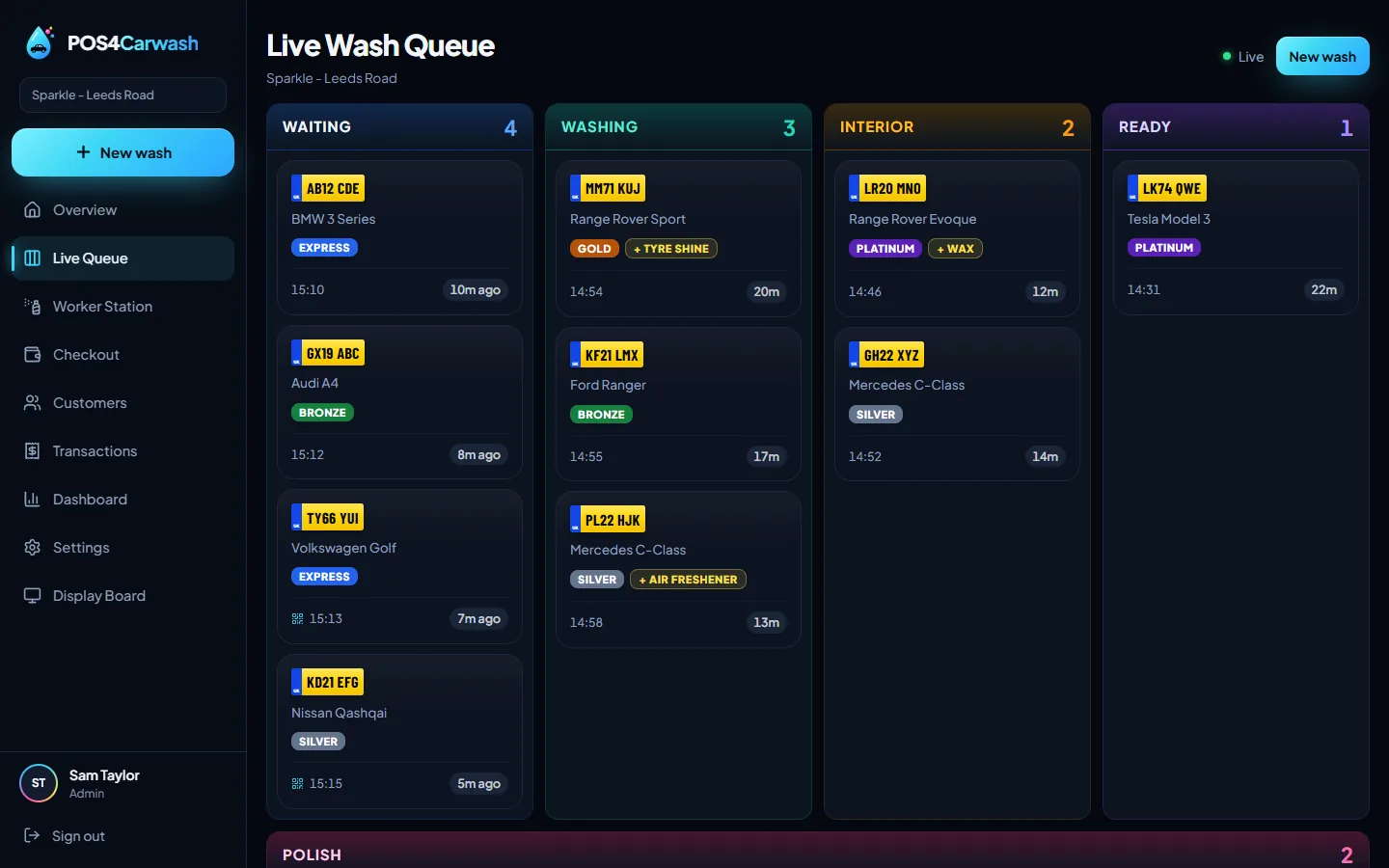
Print the site's QR code and put it where drivers wait. Scanning it opens a page with your washes and prices — nothing else about the business. The driver chooses a wash, the car joins the queue, and it appears on the staff's phones and on the TV board like any other car.
- One QR code per site
- Shows your own washes and prices
- The car joins the same queue as cars booked in by staff
Customers follow their own car
After booking in, the driver has a page that shows where their car is — waiting, being washed, hoovered or polished, or ready. They see their own car and nothing else, so they can wait in the café, the car or the shop instead of on the forecourt.
Fewer interruptions on a busy day
On a Saturday the questions — how much is it, how long, is mine done — take staff away from the cars. Self check-in answers all three on the customer's own phone.
Questions and answers
Do customers need to download an app to check in?
No. They scan the QR code with their phone camera and it opens in the web browser.
What can customers see?
Your washes and prices when they check in, and afterwards only the progress of their own car.
Read next
- Number plate scannerRead a car's registration with your phone camera — no ANPR camera, no per-scan fee. Regulars are recognised and their usual wash is picked.
- Live TV queue boardPut every car on site on a TV: which bay it's in and how long it has waited. Updates itself as the crew work. Shows work, never money.
- Managing the queueHow busy hand car washes keep the queue moving: one way in for every car, clear stages, visible waiting times and fewer questions from customers.